 Avatar Workshop Your very own avatar
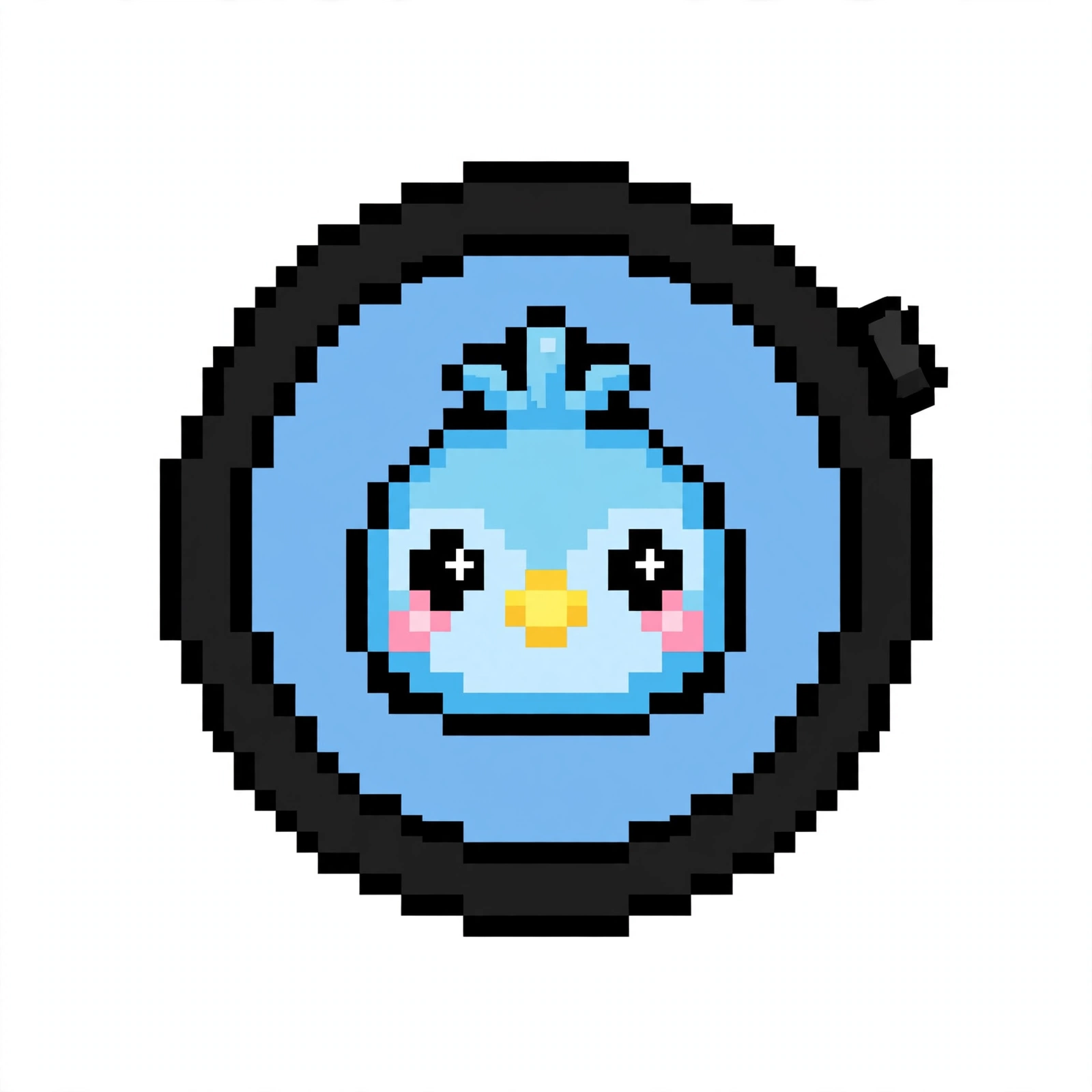
The device in the middle is your Waveshare. Take a look at its default face first —
then enter an avatar code, describe what you want in one sentence, and it will turn into yours.
Idle
You'll need an avatar code to make an avatar: every firmware build (Magic or Stock) comes with 3 free codes, and you can also buy them separately in the shop on the Mu酱 home page. One code covers up to 5 generations — every candidate is kept so you can compare and switch freely; the code is only consumed when you download the one you pick (or take it to build firmware).
Make an avatar with your own Muse
Prefer to draw it yourself? Paste the short block below to your Muse: it will open the Skill, ask what character you want, draw muse_pixel.c to the official recipe and this site's acceptance rules, self-check it and hand you the file. Keep the file — when you build your firmware, you upload it in the build workshop — after a safety precheck (about 2 minutes) it flashes right into your device. The same Skill lives in a public GitHub repo. (Click to select all, then copy.)
Make my Mu酱 avatar by following the Skill in this public repo: https://github.com/irol765/muchan-avatar-skill
1. First ask what character I want (look, colors, personality) — don't start drawing until it's clear.
2. Draw a 64×64 pixel face and produce exactly one file: muse_pixel.c.
3. Self-check it against the acceptance spec in the repo, item by item, and hand me the complete file only when everything passes.
The full Skill is maintained in the public GitHub repo — open the link above to read it in full.